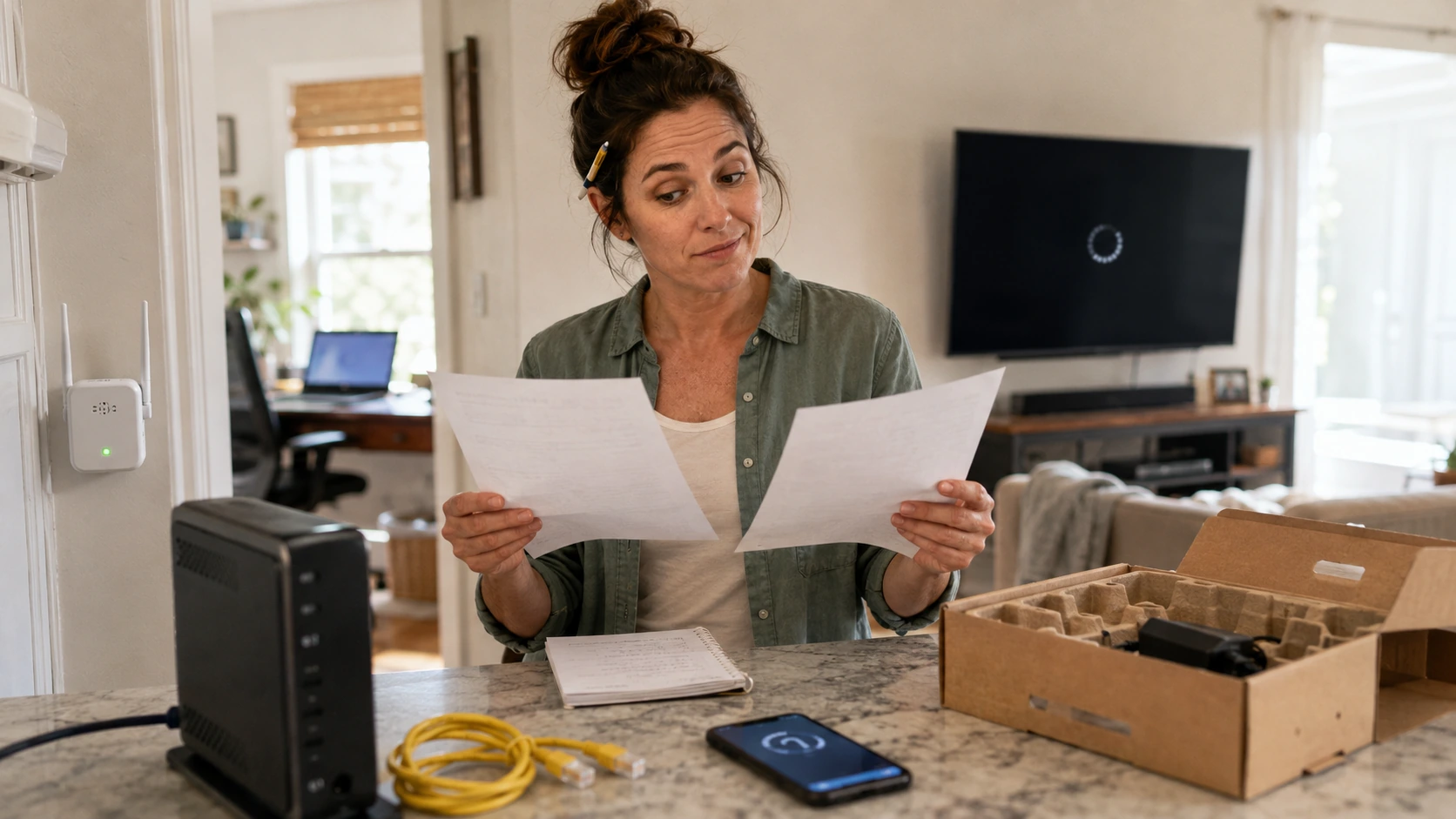
Internet plans have a special talent for looking simple until I try to compare two of them. One advertises a low monthly price. Another advertises more speed. Then the equipment fee, promotion deadline, installation charge, data policy, and contract terms arrive like relatives who were apparently invited but never mentioned.
I do not start by asking which provider has the biggest speed number. I start by asking what service is actually available at my address, what the complete price becomes after the promotion, and whether the problem I am trying to solve is the internet plan at all.
I once considered upgrading because one bedroom had miserable Wi-Fi. The internet service was fine. The router was tucked behind a television, next to enough cables and electronics to qualify as a small interference exhibit. Moving it solved more than buying another tier would have.
Faye’s rule: I diagnose the problem before I buy a faster version of it.
I verify service at the exact address
Provider names and neighborhood maps are only a starting point. Availability, connection type, speed tiers, installation requirements, and pricing can vary from one address to another, sometimes within the same street or apartment building.
I compare offers using the exact service address, not a citywide advertisement. I also confirm whether the offer is for fiber, cable, fixed wireless, DSL, satellite, or another connection type, because the technology can affect upload performance, latency, reliability, equipment, and installation.
If a provider says service is available, I save the offer page or order confirmation showing the address, plan name, date, and quoted terms. Availability databases and sales systems are useful, but they have never taken a sacred oath against being wrong.
I find the Broadband Consumer Label
The Federal Communications Commission requires broadband providers to display consumer labels at the point of sale for covered plans. The labels are designed to make important price and performance information easier to compare.
The label is where I begin the real comparison. I look for the monthly price, whether it is introductory, the length of any introductory period, additional charges, data allowances, typical download and upload speeds, and typical latency. I also follow the links for network-management practices and other plan details.
I save a copy or screenshot of the label before ordering. Plans change, pages move, and memories become surprisingly generous to whichever offer we preferred.
Official resources: FCC Broadband Consumer Labels and the FCC label glossary.
I compare the price after the promotion
An introductory price can be useful, but it is not the same thing as the ongoing cost. I write down the promotional monthly price, the date it ends, the regular monthly price disclosed at enrollment, and any conditions attached to the discount.
The price that matters is the one I am likely to pay after the welcome mat is removed. I check whether the discount requires autopay, paperless billing, a particular payment method, mobile service, television service, or another bundle.
If a bundle creates the discount, I ask what happens to the internet price when I cancel or change another service. A discount that survives only while I keep something I no longer want is not quite the bargain it introduced itself as.
This is the deeper version of the review I use for monthly bills I never let renew without checking: not merely “Can I lower this today?” but “What will this cost after every temporary condition expires?”
I list every recurring and one-time charge
I separate recurring charges from one-time charges. Recurring costs may include a modem, gateway, router, Wi-Fi extender, mesh system, equipment protection, or other provider service. One-time costs may include installation, activation, shipping, technician visits, equipment purchases, or deposits.
A low plan price can become an ordinary plan price after the equipment joins it. I check the label and written order summary rather than assuming the sales-page headline includes everything.
Taxes and government-related charges may vary by location and service. I do not copy a total from someone else’s bill and assume mine will match. The useful comparison is the written estimate for my address and selected services.
I separate internet service from Wi-Fi
The connection entering the home, the subscribed plan, the modem or gateway, the router, the Wi-Fi signal, and the device using that signal are different parts of the system.
A fast plan cannot guarantee a strong wireless signal in every room. Weak Wi-Fi may come from router placement, distance, walls, interference, an outdated router, a crowded wireless channel, an old device, or too many devices competing at once.
Before switching, I test a wired connection where practical and safe, compare several devices, check performance near the router, restart equipment according to provider instructions, and review the provider’s current troubleshooting guidance. The FCC also recommends checking the subscribed plan, testing speed, and considering router placement and network demand.
Official resource: FCC Home Network Tips.
I compare download, upload, and latency
Download speed gets most of the advertising attention because it is the large, shiny number. Upload speed affects sending files, cloud backups, video calls, livestreaming, security-camera uploads, and some remote-work tasks. Latency affects how quickly data begins moving and can matter for calls, gaming, and other interactive uses.
The best plan is the one that fits the household’s actual work, not the one with the loudest download number. I look at the label’s typical speeds and latency rather than treating an advertised maximum as a household guarantee.
The FCC’s consumer guide notes that multiple users and simultaneous activities increase the speed a household may need. I list what actually happens at busy times: streaming, video calls, gaming, backups, cameras, and downloads.
Official resource: FCC Broadband Service for the Home guide.
I check the data policy
Some plans include a monthly data allowance. The consequences of exceeding it may involve overage charges, reduced speeds, plan changes, or another policy disclosed by the provider.
I check both the allowance and what happens after it is reached. A household that streams heavily, downloads large games, backs up photos, runs security cameras, or works remotely may use data differently from a household that mainly browses and checks email.
I do not assume “unlimited” has the same meaning across every service. I read the label, the data policy, and the network-management disclosure for the specific plan.
I decide whether to rent or own the equipment
Provider equipment may include support, replacements, automatic updates, and simpler troubleshooting. Customer-owned equipment may reduce recurring rental charges but can shift compatibility, setup, maintenance, security updates, and replacement responsibility to the customer.
Owning equipment saves money only when the equipment is approved, suitable, secure, and likely to remain useful long enough. I use the provider’s current compatibility list and confirm whether every plan feature works with customer-owned equipment.
I check whether a separate router is still needed, whether phone service requires provider hardware, and whether the provider will troubleshoot beyond the point where its network meets my equipment.
For equipment expensive enough to matter, I use the same discipline from what I check before buying anything over $50: compatibility, return policy, support, warranty, and realistic years of use.
Faye’s rule: I do not buy a router because the box promises “whole-home” anything. I check the home, the devices, and the provider first.
I check the contract and the exit
Before enrolling, I look for a minimum service term, early-termination charge, installation commitment, cancellation process, and any condition tied to promotional pricing.
I want to know how to leave before I agree to stay. I also check whether cancellation must be completed by phone, online, in person, or through another process, and whether service ends immediately or at the close of a billing cycle.
When switching providers, I avoid canceling the old service until the new connection is installed and working, unless the timing or contract requires another approach. Paying for a short overlap can be annoying. Discovering the new service cannot be installed after the old one is gone is more educational than I prefer.
I document every returned device
Old modems, gateways, routers, extenders, power adapters, and television equipment may need to be returned. I ask for the exact list, deadline, approved return method, and receipt requirements.
I photograph the equipment and serial labels before returning anything. I keep the drop-off receipt, shipment tracking, email confirmation, and final bill. I also check the account later to confirm the equipment was credited.
This is one of those small records that belongs with the home records I wish I had kept sooner. A modem-return receipt is boring right up until someone bills me for a modem I no longer possess.
I compare support and installation realities
A plan can look excellent while the installation date is weeks away, the address requires new wiring, or service appointments are difficult to schedule. I ask whether installation is self-service or technician-assisted, what work is included, and what could create additional charges.
The practical value of an internet plan includes how quickly problems can be fixed. I look for official support hours, appointment windows, outage tools, equipment-replacement procedures, and local service information where reliable sources are available.
Customer reviews can reveal patterns, but they are not a substitute for written terms. I give more weight to recent local evidence than to a national score built from completely different networks and neighborhoods.
My simple side-by-side comparison
I compare each plan using the same rows:
- Availability: confirmed for the exact address
- Connection type: fiber, cable, fixed wireless, DSL, satellite, or other
- Promotional price: monthly amount and required conditions
- Promotion end: exact length or ending date
- Regular price: disclosed ongoing monthly price
- Recurring extras: modem, router, extender, protection, or other services
- One-time charges: installation, activation, shipping, purchase, or deposit
- Typical performance: download, upload, and latency from the label
- Data policy: allowance and consequence for exceeding it
- Contract: term, cancellation process, and early-termination charge
- Equipment: provider rental or approved customer-owned options
- Installation: timing, included work, and likely complications
- Support: repair process, equipment replacement, and outage tools
I compare the first year and the likely ongoing year separately. That keeps a short promotion from disguising a weak long-term deal.
My internet-plan checklist
- Confirm service and connection type at the exact address.
- Save the Broadband Consumer Label.
- Record the promotional and regular monthly prices.
- List every recurring equipment or service charge.
- List installation, activation, shipping, and purchase costs.
- Check autopay, paperless billing, and bundle conditions.
- Compare typical download speed, upload speed, and latency.
- Read the data allowance and overage or reduced-speed policy.
- Check contract, cancellation, and early-termination terms.
- Verify customer-owned equipment compatibility.
- Test whether the current problem is service, Wi-Fi, or one device.
- Save the order confirmation and installation terms.
- Photograph returned equipment and keep proof of return.
- Review the first bills against the written offer.
Faye’s rule: If I cannot explain the full price, the performance, and the exit terms in plain language, I am not finished comparing.
If the bill or service does not match the offer
I start with the saved label, order confirmation, chat transcript, installation record, and bills. I contact the provider and ask for a written explanation or correction.
Documentation is more useful than remembering that the salesperson sounded very certain. The FCC accepts consumer complaints involving internet billing, availability, equipment, and speed issues. Filing a complaint does not guarantee a particular outcome, but it creates a formal record and routes the issue through the FCC’s complaint process.
Official resource: FCC internet complaint issue guide.
The bottom line
Switching internet plans is not simply choosing the lowest introductory price or the largest speed number. The useful comparison includes the address, connection type, post-promotion price, equipment, installation, typical performance, data policy, contract, support, and the cost of leaving.
It also requires knowing whether the current frustration comes from the provider or from Wi-Fi inside the home. A faster plan may help a crowded household. It will not move a router out from behind a television, update an old laptop, or persuade a distant website to become less sluggish.
I still appreciate a good introductory offer. I simply prefer introductions that mention what the relationship will cost after the first year.
Official sources used
- Federal Communications Commission: Broadband Consumer Labels
- Federal Communications Commission: Broadband Label Glossary
- Federal Communications Commission: Broadband Service for the Home
- Federal Communications Commission: Home Network Tips
- Federal Communications Commission: Getting Broadband Q&A
- Federal Communications Commission: Internet Complaint Issues
- Federal Trade Commission: Advertising and Marketing Basics